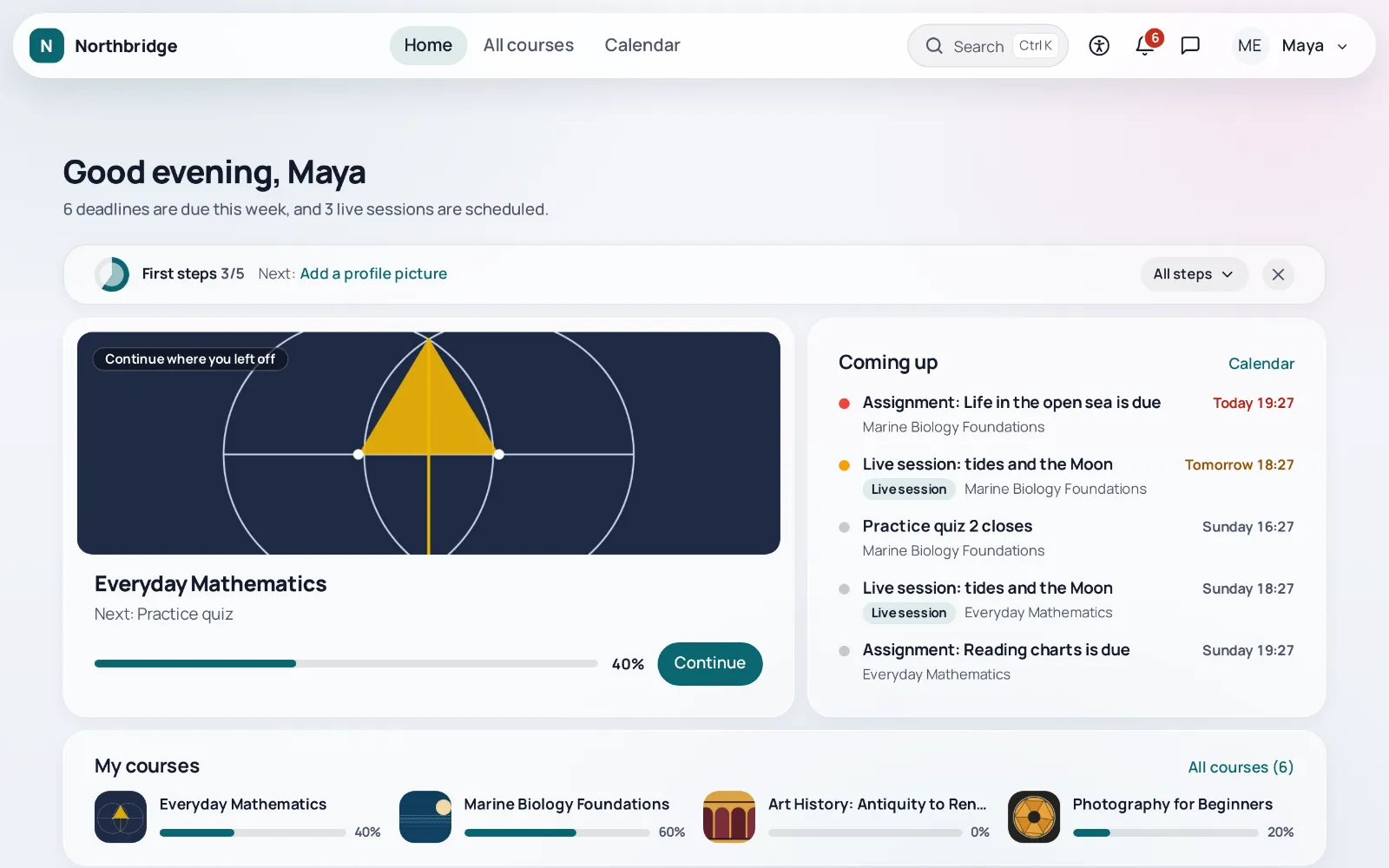
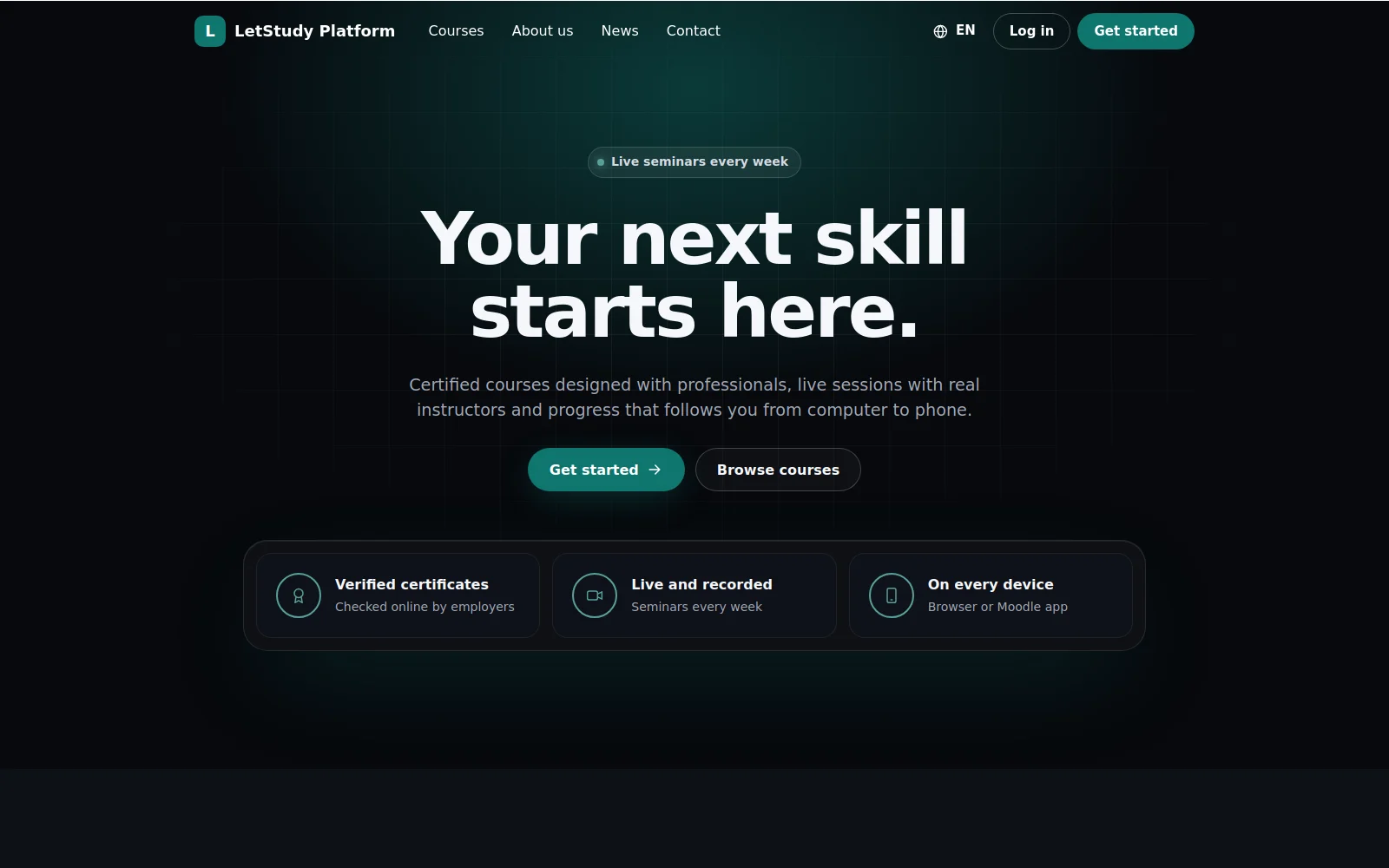
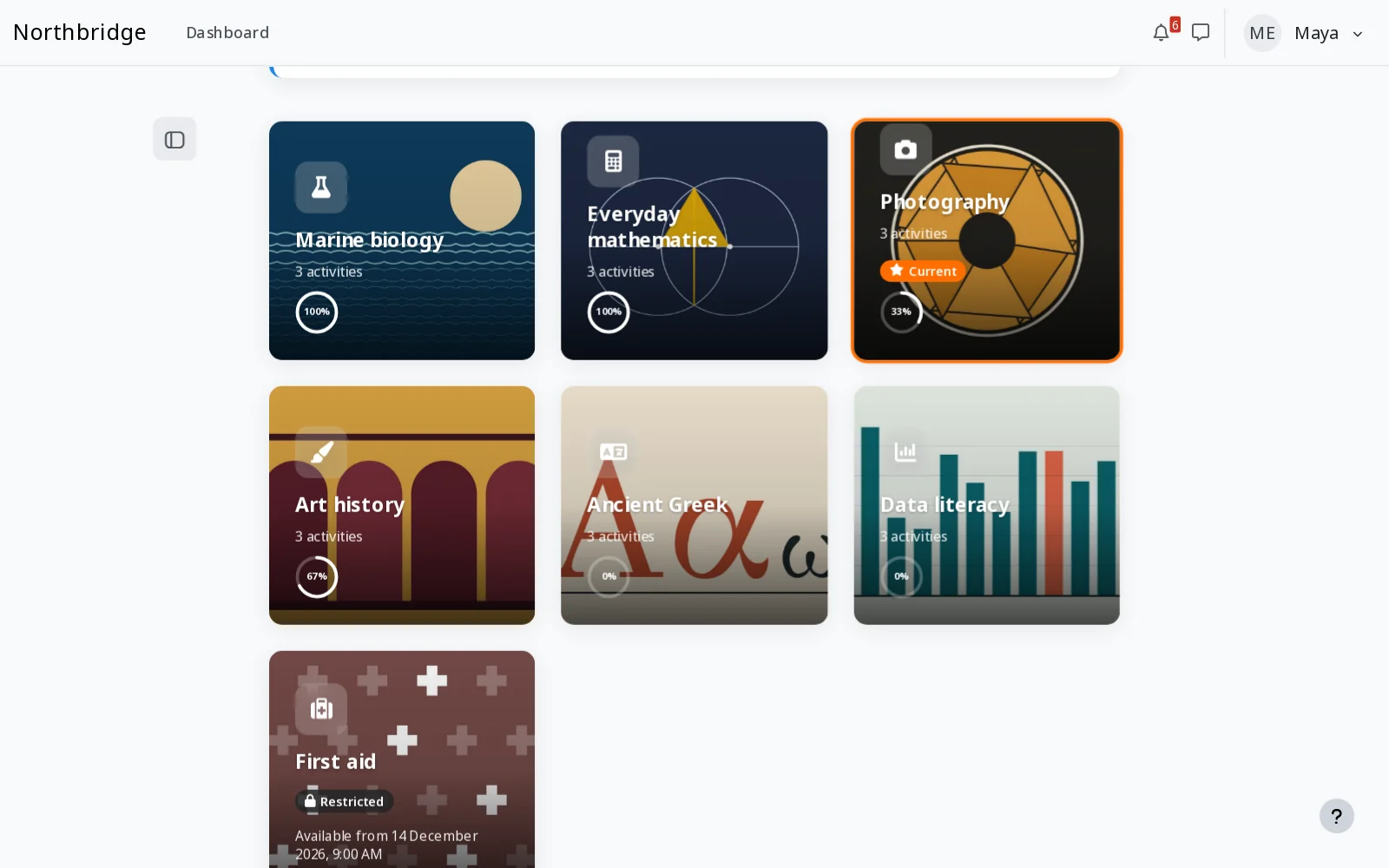
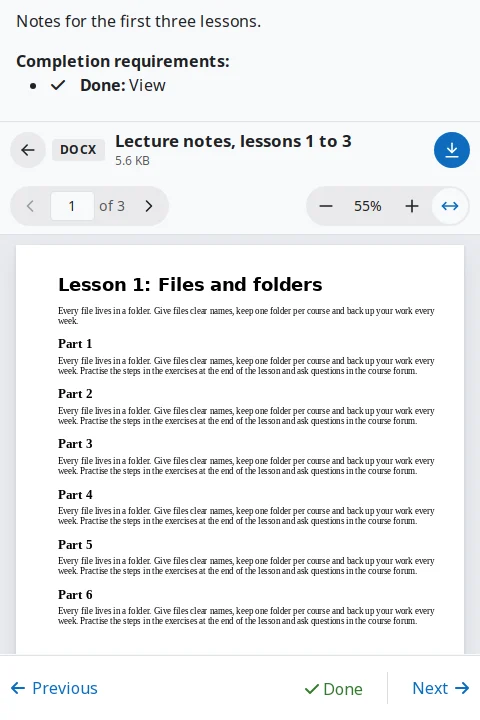
Each plugin of the Letstudy Moodle Ecosystem is free, works on its own with Moodle 4.5 to 5.3 and gets more from the theme when both are installed. Select a plugin in the diagram to read about it, with real screenshots of Moodle.
Every plugin installs and works without the theme, and the theme works fully without any of them.
02
Recognised, never called home
The theme reads the state of each plugin from the plugin manager of the site and never contacts another server for it.
03
Free and open
The theme and every plugin are free software under the GNU GPL v3 or later, with no licence keys.
00
The basetheme_letstudy
Letstudy theme
A free theme for Moodle built on Boost, with an app-like shell, switchable skins in light and dark, rich course pages, accessibility and AI transparency tools and a setup wizard with a live preview. It works fully on its own and recognises each companion plugin from the plugin manager of the site, without contacting any other server.
How the theme works with the ecosystem
The panel "Companion plugins" in the settings and the last step of the setup wizard list every plugin of the ecosystem, with its state on the site, a link to its page in the plugins directory and, when it is installed, a link to its settings.
Where
Letstudy modules, setup wizard, health check
Moodle
Moodle 5.0 to 5.3, and 4.5 LTS in a separate package
A page builder that works with any theme: landing pages, home pages, course landing pages, popups, banners and the login page, built from ready sections in a visual editor with a live preview.
With the Letstudy theme
The theme matches the look of its pages to the skin of the site and links to them from the menu of the Letstudy products.
19 visual layouts for the sections of a course, from cards, tabs and timelines to a learning path, a dashboard, a weekly planner, a mind map and a space journey, with section icons, images, colours and progress.
With the Letstudy theme
More layouts for the courses that use the Letstudy course format, while new courses are covered by the course views of the theme.
Shows Word, Excel, PowerPoint, OpenDocument, RTF and PDF files in a viewer inside Moodle, on computers, phones and in the Moodle app. Documents are converted to PDF on the server of the site with LibreOffice, and teachers switch the preview and the download per resource.
With the Letstudy theme
The theme matches the look of its pages and of the switches of the teacher, and offers no offline copy of a file whose download the teacher hid.
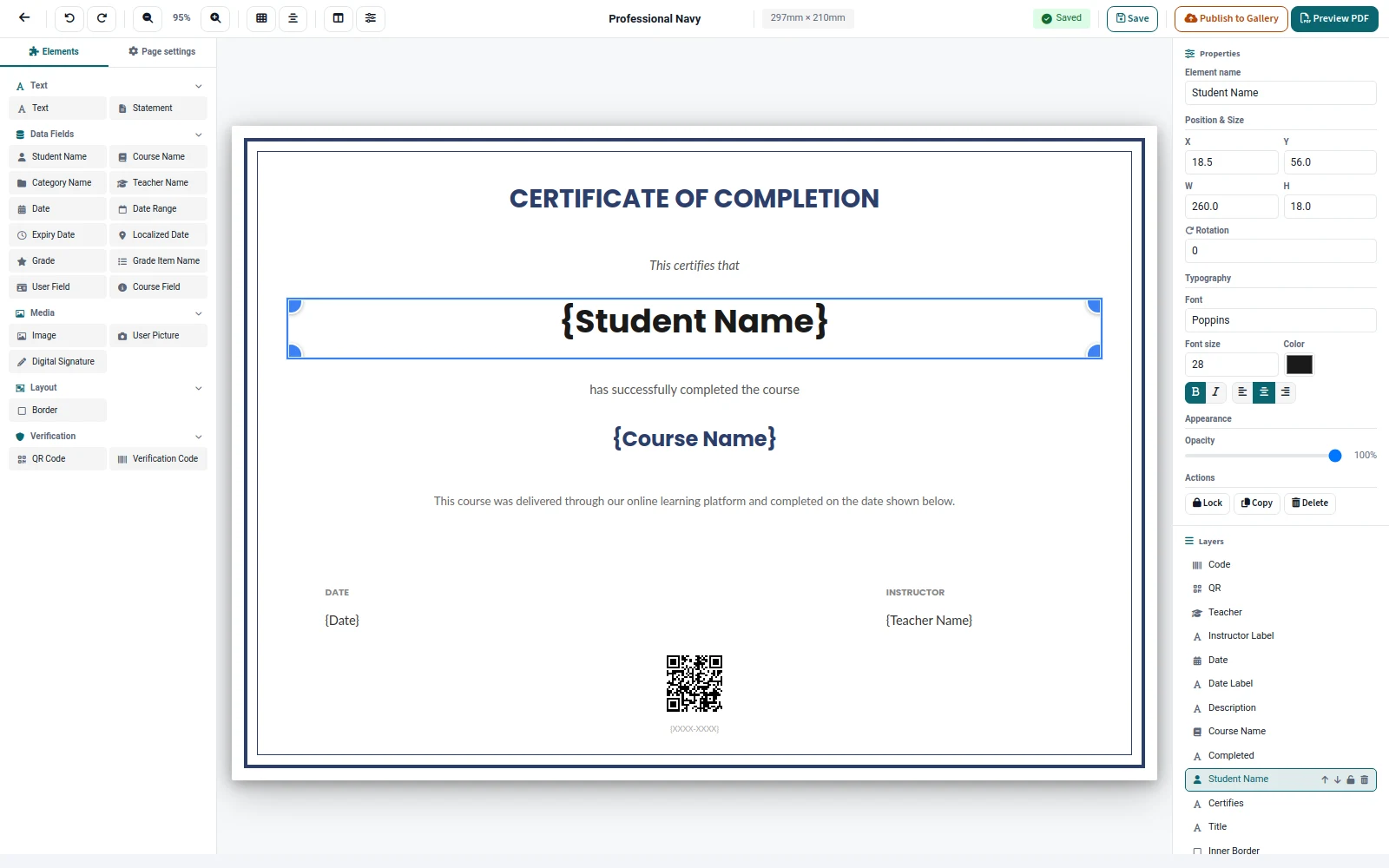
Certificates as a course activity: a drag and drop designer, automatic or approved issuing, revocation and public verification with a QR code.
With the Letstudy theme
The theme styles its pages and shows the certificates of each learner next to their badges, on the profile, in the completion panel of a course and in a certificates widget.
Settings of the theme that work with it
Learner pages, menu of the Letstudy products, its own settings category
Brings the AI features of the Letstudy theme under the AI settings of Moodle: one switch and one capability per feature, with every request sent through the AI subsystem of Moodle and its providers.
With the Letstudy theme
Each AI feature of the theme is turned on or off, also per role, from the AI settings of Moodle.
Settings of the theme that work with it
AI in Compliance, course outline with AI, video digest
Moodle
Moodle 4.5 to 5.3
Licence
GNU GPL v3 or later
Status
Coming soon to the Moodle Plugins directory
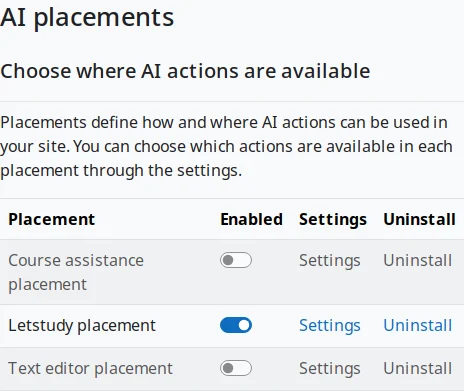
The placement next to the core placements of Moodle
06
Reportreport_letstudypulse
Site pulse
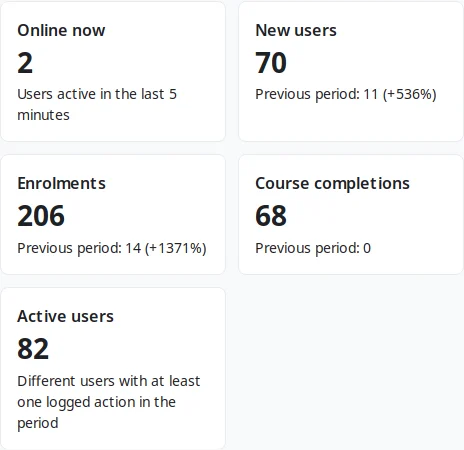
One admin report with the pulse of the whole site: new users, enrolments, course completions, active users per day, users online now and the top courses, for the last 7, 30 or 90 days or custom dates, with charts and CSV downloads.
With the Letstudy theme
The report is linked from the site tab of the health check of the theme.
Settings of the theme that work with it
Site tab of the health check
Moodle
Moodle 4.5 to 5.3
Licence
GNU GPL v3 or later
Status
Coming soon to the Moodle Plugins directory
Summary of the period
07
Message outputmessage_letstudypush
Browser push notifications
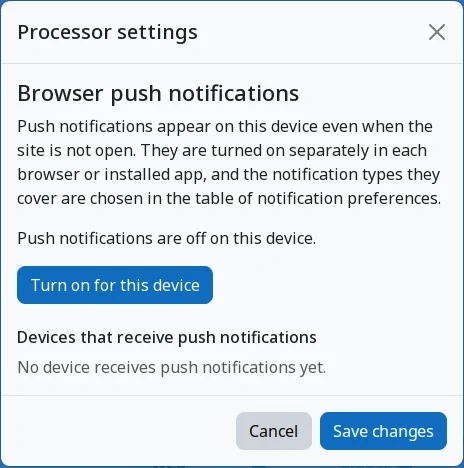
Delivers Moodle notifications and messages as standard Web Push to the browsers and installed web apps where each user turns push on, in Chrome, Edge, Firefox and Safari, with no account, no API key and no third party library.
With the Letstudy theme
Push notifications reach the browser and the installed app through the service worker of the app of the theme.
Settings of the theme that work with it
Installable app, app install invitation
Moodle
Moodle 4.5 to 5.3
Licence
GNU GPL v3 or later
Status
Coming soon to the Moodle Plugins directory
Push turned on per device
08
Message outputmessage_letstudydigest
Notification digest
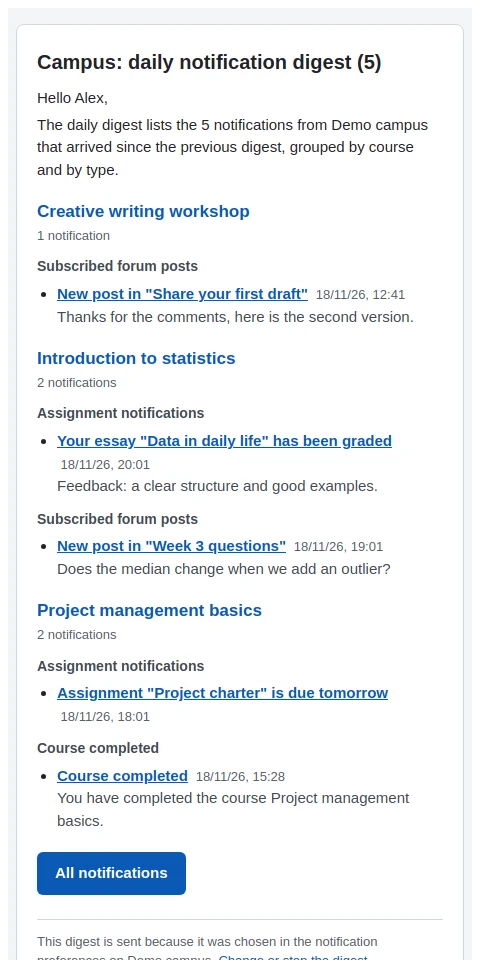
Collects notifications and sends them as one email a day or a week, at the hour each user chooses in their own time zone, instead of one email per notification. Security notifications are never delayed.
With the Letstudy theme
The digest can wait until the quiet hours that each user sets in the theme are over.
Settings of the theme that work with it
Quiet hours
Moodle
Moodle 4.5 to 5.3
Licence
GNU GPL v3 or later
Status
Coming soon to the Moodle Plugins directory
A daily digest by email
09
Paymentslocal_letstudycheckout
One-step checkout
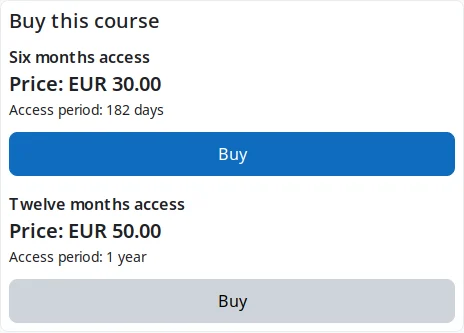
A Buy button with the price that opens the core payment modal of Moodle in one step, on the enrolment and course summary pages. Visitors log in or sign up and come back to the same purchase. It works with Enrolment on payment, never enrols anybody by itself and stores nothing.
With the Letstudy theme
Its Buy button shows on the course presentation page and on the course cards of the theme.